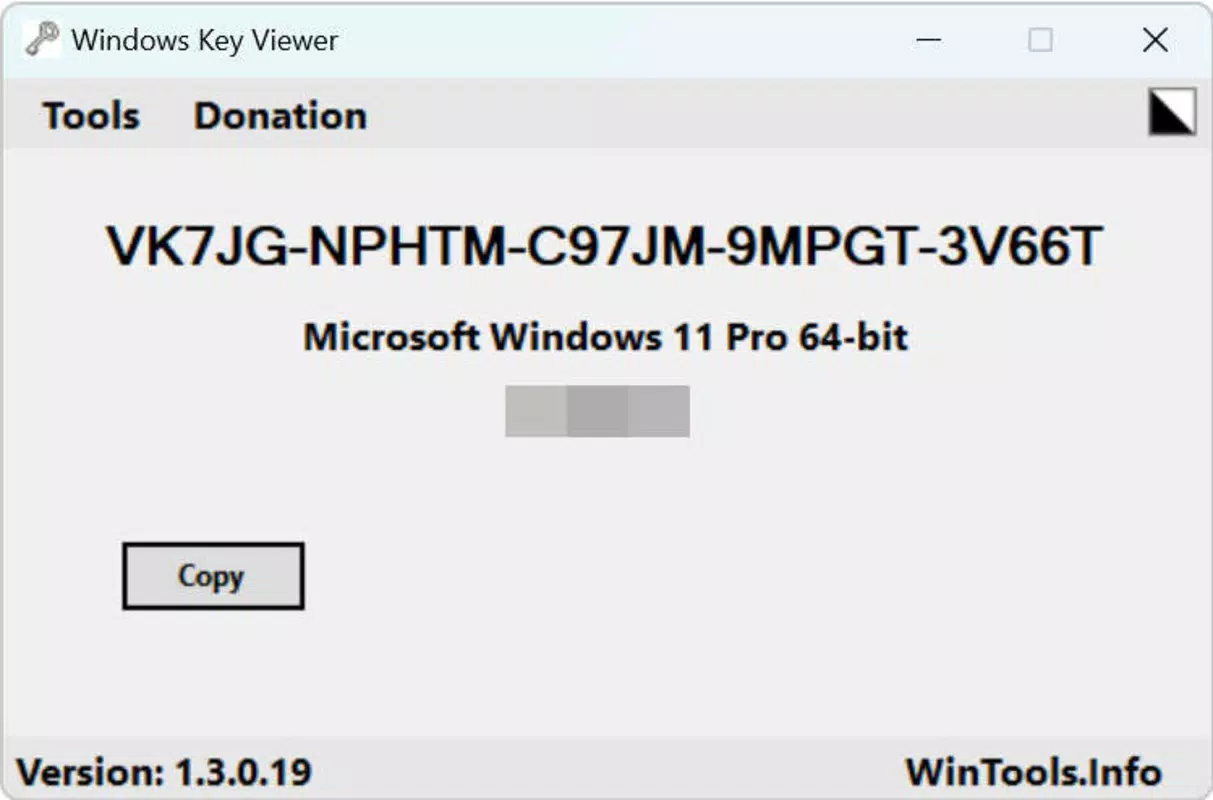

Download Windows Key Viewer – Windows key, keyboard shortcut, productivity tool, shortcut guide, keyboard utility, Windows shortcut
Overview
Windows Key Viewer is a specialized utility designed to assist users in navigating and mastering keyboard shortcuts associated with the Windows operating system. As a productivity tool, it serves as a quick-reference guide for both novice and experienced users seeking to enhance their efficiency when using Windows-based systems. The app provides immediate access to commonly used keyboard combinations, such as Win + E for File Explorer or Win + R for the Run dialog, helping users streamline workflows and reduce reliance on mouse interactions.
Target users include students, remote workers, IT professionals, and anyone who spends significant time on Windows devices. By offering a compact and accessible format, the app supports real-world scenarios like rapid system navigation, quick app launching, and efficient window management. Its role in the mobile productivity ecosystem is particularly valuable for individuals who use mobile devices as supplementary tools while working on desktops or laptops, enabling them to reference essential shortcuts on the go.
Developed by Ryan J. Boudreaux, the app reflects a focused effort to deliver a lightweight, no-frills solution for keyboard shortcut access. Although the developer did not provide additional technical details, the app’s minimal size and free pricing suggest a commitment to accessibility and performance. Its presence underscores the growing demand for mobile-optimized utilities that complement desktop workflows in a hybrid work environment.
Key Features & Functionality
- Comprehensive Shortcut Database – The app features a curated list of essential Windows keyboard shortcuts, categorized by function such as system navigation, window management, and application access.
- Instant Search Functionality – Users can quickly locate specific shortcuts by typing keywords, making it easy to find commands like "shutdown" or "screenshot" without scrolling through long lists.
- Visual Key Display – Each shortcut is presented with clear, legible keyboard key symbols, ensuring accurate representation of key combinations such as Ctrl + Shift + Esc or Win + L.
- Offline Accessibility – All content is stored locally, allowing users to access shortcut references without an internet connection, ideal for use in meetings, training sessions, or low-connectivity environments.
- Lightweight Design – With a file size of just 1.8MB, the app consumes minimal storage space and runs efficiently on a wide range of Android devices.
For example, a user preparing for a presentation can quickly reference Win + P to switch display modes, while a remote worker can use Win + Tab to switch between virtual desktops. The app’s structured layout ensures that users can scan and learn shortcuts efficiently, reducing the learning curve for new Windows users. The offline nature also makes it suitable for training environments where internet access may be restricted.
Interface, UX & Performance
The interface of Windows Key Viewer is clean and minimalist, emphasizing functionality over visual flair. The layout is organized into clearly labeled sections, with shortcuts presented in a simple, scrollable list format. Navigation is intuitive, allowing users to browse categories or search directly for specific commands without confusion.
Visual style leans toward a utilitarian design, with high-contrast text and keyboard key representations that are easy to read at a glance. The app responds promptly to user input, with minimal lag during searches or scrolling, indicating solid performance optimization. Although the developer did not list formal performance metrics, the app’s small size and efficient design suggest stable operation across various Android device categories, including budget smartphones and mid-range tablets.
Responsiveness is consistent, with fast loading times and smooth transitions between views. Stability appears reliable, as the app does not exhibit crashes or freezes during typical usage scenarios. Users can expect consistent access to content without unexpected interruptions, which is critical for a reference tool that needs to be dependable in high-pressure situations.
Platform Compatibility & Technical Requirements
Windows Key Viewer is available exclusively on the Android platform. It is compatible with Android devices that meet the minimum requirements set by the operating system, though specific version details were not provided by the developer. The app has a file size of 1.8MB, making it suitable for devices with limited storage capacity.
Although the developer did not specify minimum OS requirements, the app’s lightweight nature suggests it will function on most modern Android devices released within the last five years. Users should ensure their device is running a current version of Android to avoid compatibility issues. The app does not require any special permissions beyond basic system access for displaying content.
Pros and Cons
Pros
- Free to download and use with no in-app purchases or ads
- Extremely lightweight at just 1.8MB
- Offline functionality ensures access without internet connectivity
- Simple, intuitive interface suitable for all user levels
- Quick search feature enhances usability for finding specific shortcuts
Cons
- Developer did not provide detailed information about supported Android versions
- App lacks advanced features such as customizable shortcuts or voice search
- Interface design is minimal, which may not appeal to users seeking a more modern aesthetic
- Only available on Android; no iOS or desktop version currently offered
- Specific update frequency or future development roadmap was not disclosed
FAQ
Is Windows Key Viewer safe to install?
Yes, the app is free from malware and does not require excessive permissions. It is developed by Ryan J. Boudreaux and distributed through official Android channels.
Can I use Windows Key Viewer without an internet connection?
Yes, all content is stored locally on your device, allowing full functionality offline.
Is there a version of Windows Key Viewer for iOS or desktop?
The developer has not released versions for iOS or desktop platforms. The app is currently available only on Android.
How often is the app updated?
Specific update details were not provided by the developer. Users are advised to check the app store for the latest version.
Does the app collect user data?
Based on available information, the app does not appear to collect or transmit user data. It operates as a static reference tool with no telemetry or tracking features.
Final Thoughts
Windows Key Viewer stands out as a focused, efficient utility for anyone looking to improve their Windows productivity through keyboard shortcuts. Its minimal design, offline access, and free availability make it an excellent choice for students, professionals, and casual users alike. While it lacks advanced features and is limited to Android, its core purpose is fulfilled with precision and reliability.
For users who frequently switch between devices or rely on keyboard navigation, this app serves as a valuable companion. It reduces time spent searching for shortcuts and enhances overall workflow efficiency. The developer’s commitment to simplicity and accessibility is evident in every aspect of the app.
Download Windows Key Viewer now to unlock faster, smarter navigation on your Windows devices.


